
01
Base rate
Affiliate activation confirmed in Workspace
MiPalette Creator Program
Approved creators start at 10% on eligible products after affiliate activation. Your first published and verified Qualifying Post qualifies you for the 15% Creator rate. Check Workspace for the confirmed active rate; submission or approval alone does not confirm activation.
How You Earn
Approved creators start at 10% on eligible products after affiliate activation. Your first published and verified Qualifying Post qualifies you for the 15% Creator rate. Check Workspace for the confirmed active rate; submission or approval alone does not confirm activation.
Affiliate activation confirmed in Workspace
First Qualifying Post published and verified
Proven, verified demand; discretionary consideration
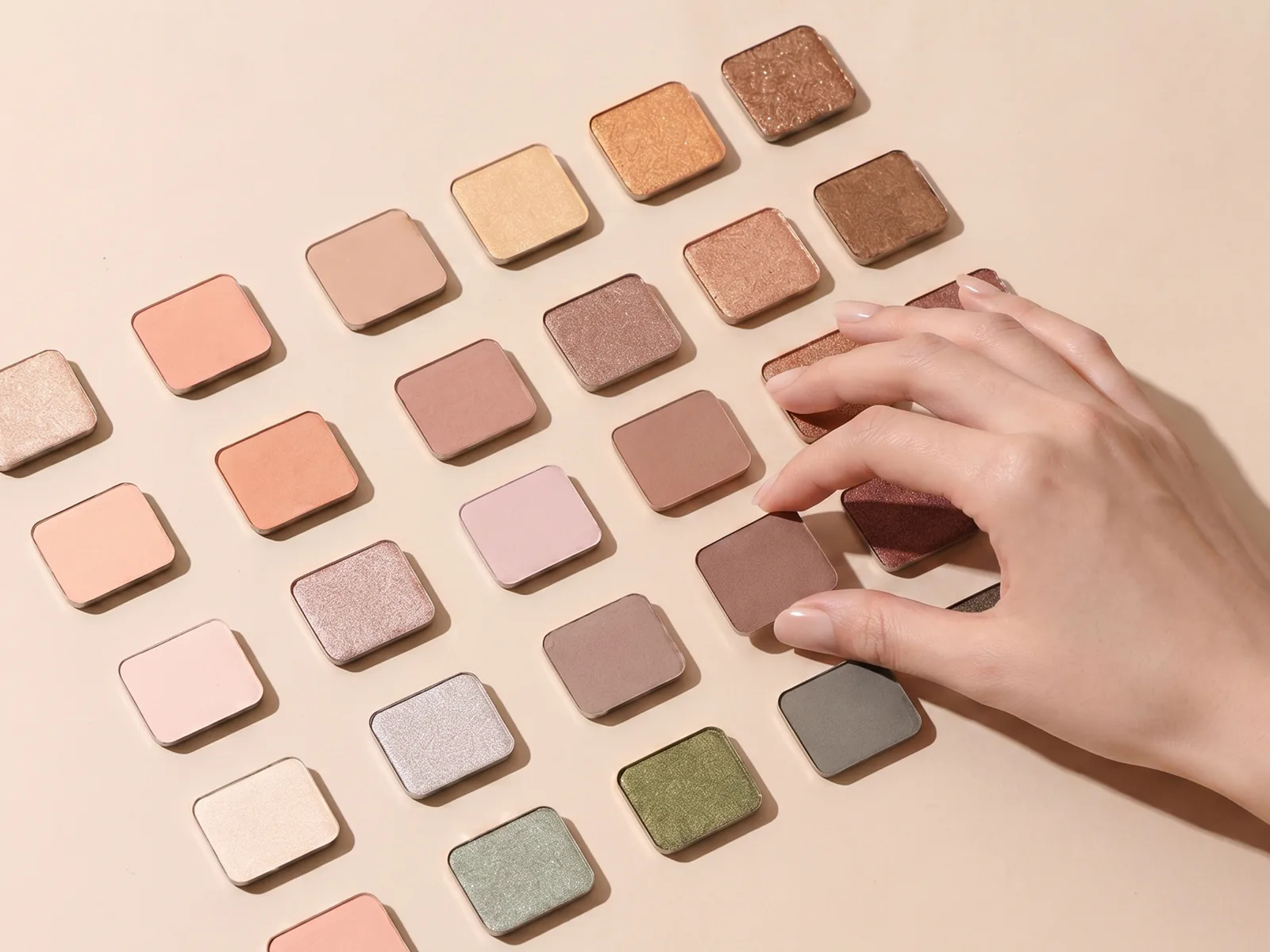
Creator Palette
Every approved creator can build a Creator Palette. Your first published and verified Qualifying Post qualifies you for the 15% Creator rate. Check Workspace for the confirmed active rate; submission or approval alone does not confirm activation. Creator Palette status does not independently change the rate.
Link Lifecycle
Link your original social post and shoppable palette in Workspace. Affiliate setup is pending; ordinary product URLs do not confirm referral tracking.
Complete your profile. Affiliate setup is pending; a creator code, discount or commission is available only after confirmation in Earnings.
Create a private palette with at least 4 shades, confirm naming rights, and run Check & Reserve.
Add the original URL, link one shoppable palette and optional products, confirm display rights, then submit. Publication follows review. Naming a Creator Palette is a separate workflow.
Your first published and verified Qualifying Post qualifies you for the 15% Creator rate. Check Workspace for the confirmed active rate; submission or approval alone does not confirm activation.
Content & Payment
Posting is voluntary. Your first published and verified Qualifying Post qualifies you for the 15% Creator rate. Check Workspace for the confirmed active rate; submission or approval alone does not confirm activation.
No KPIs, posting schedules, pre-approvals, edit requirements, or exclusivity requirements.
Use clear disclosures such as #ad, #commissionable, or #gifted when posting about the relationship.
New affiliate setup is pending. Confirmed rates and payouts belong in Earnings, not in a draft or submission confirmation.
Q&A
Use this page as the public creator-facing reference for rates, Creator Palette, content rules, and payment.
Joining
No. Applying to the MiPalette Creator Program is free. There is no follower minimum; we review account activity, relevant content, and program fit.
Application
No. MiPalette does not require a minimum follower count. Your account should be real, active within the last 30 days, and relevant to beauty, lifestyle, or adjacent content.
Application
Open Creator Workspace to complete your profile and submit your social post. Affiliate setup is pending; do not assume a code or rate is active until Earnings confirms it. Starter is selected-only and is not guaranteed by approval.
Tiers
Creator tools and sharing links depend on your account setup and activation status. Check Creator Workspace for your available tools; a rate tier alone does not confirm activation.
Tiers
Your first published and verified Qualifying Post qualifies you for the 15% Creator rate. Check Workspace for the confirmed active rate; submission or approval alone does not confirm activation. Creator Edit status does not independently change the rate.
Naming
Choose a public Creator Palette name, confirm that you created it or have the right to use it, then run Check & Reserve. The 7-day hold is temporary. Official naming rights are granted only after Admin approval and publication.
Naming
No. Platform approval of an Palette name is not trademark clearance and does not transfer ownership of MiPalette shades or formulas. You keep rights in a name you already owned; MiPalette receives a limited licence to operate the Creator Palette.
Starter
No. Starter is selected-only. Approval, Founding 100, and Starter selection are separate decisions. Purchasing product is not required to remain an approved Creator or keep the 10% DTC base rate.
Founding
The Founding 100 are the first 100 qualified creators accepted after review, not the first 100 applications.
Co-creation
Proven, verified demand can open a conversation about deeper Co-Creation. Selection is discretionary and may consider valid orders, repeat demand, returns, content quality, brand fit, product feasibility and other business factors. Any royalty or Co-Creation economics require a separate written agreement.
Co-creation
If you have a signed and finance-approved Co-Creation Addendum, that SKU may earn the agreed royalty in addition to the applicable affiliate rate. Co-branding color work is not part of the current program launch.
Content
No. Posting is voluntary. There are no posting KPIs, schedules, pre-approvals, edit requirements, or exclusivity requirements.
Content
When you post, disclose the relationship clearly, such as #ad, #commissionable, or #gifted. Do not make medical or efficacy claims.
Payment
New affiliate setup is pending. Earnings will show confirmed referral and payout information when connected. Existing Shopify Collabs commissions retain their historical provider records and payout rules; this does not confirm new referral tracking.
Payment
Complete the requirements shown for the applicable payout in Earnings. Existing Shopify Collabs payouts retain their provider requirements. Any separately approved MiPalette Royalty follows its own agreement and ledger. Do not email tax documents.
Privacy
Creator dashboards show anonymized order data only. Consumer personal information is not shown.
Rules
Fake orders, vote manipulation, false claims, or leaking unreleased product information can end the partnership immediately.
No matching question found. Try another keyword or contact [email protected].